How to Write Your First React App (Complete Beginner Guide to React & JavaScript)
Table of ContentsTap to expand
Series: React Mastery
Part 1 of 3View all parts
How to Write Your First React App (Complete Beginner Guide to React & JavaScript)
If you know basic HTML and want to move into modern web development, React is one of the best places to start.
In this guide, you’ll build your first React app step by step. No unnecessary jargon. No skipped steps. Just clear explanations and practical examples.
By the end, you’ll:
- Understand what React is
- Create a real React app using Vite
- Build a component
- Add state
- Style it properly
Let’s start from zero.
What is React?

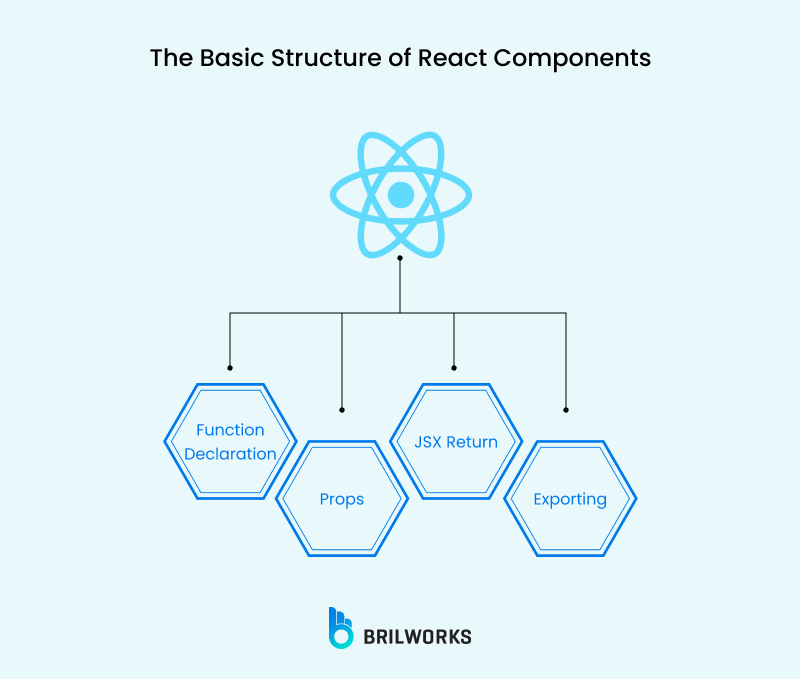

React is a JavaScript library used to build user interfaces (UI).
Instead of writing huge HTML files manually, React lets you build your UI using small reusable pieces called components.
Think of it like Lego blocks:
- Header = one block
- Button = one block
- Card = one block
- Footer = one block
You combine them to build an entire website.
React was created by Facebook (now Meta) and is widely used in modern web applications.
Why React is Popular
React is popular for several reasons:
1. Component-Based Structure
You write small pieces and reuse them.
2. Fast Performance
React uses something called the Virtual DOM, which makes updates efficient.
3. Large Community
If you get stuck, thousands of developers have likely faced the same issue.
4. Job Demand
React is one of the most in-demand frontend skills globally.
Where React Is Used
React is used in major platforms such as:
- Netflix
- Airbnb
- Shopify
If you want to build:
- Dashboards
- E-commerce sites
- Admin panels
- Interactive web apps
React is a solid choice.
Prerequisites
Before jumping into React, you need basic knowledge of:
1. Basic HTML
You should understand:
<div><h1><p><button>
2. Basic JavaScript Concepts
You must understand:
Variables
let name = "John";Functions
function greet() {
  return "Hello";
}
If JavaScript feels confusing, stop and strengthen it first. React is built on JavaScript. Skipping JS basics will slow you down later.
3. Install Node.js
React apps run using Node.js tools. You don’t write backend code here, but Node is required to run React locally.
Step 1: Install Node.js


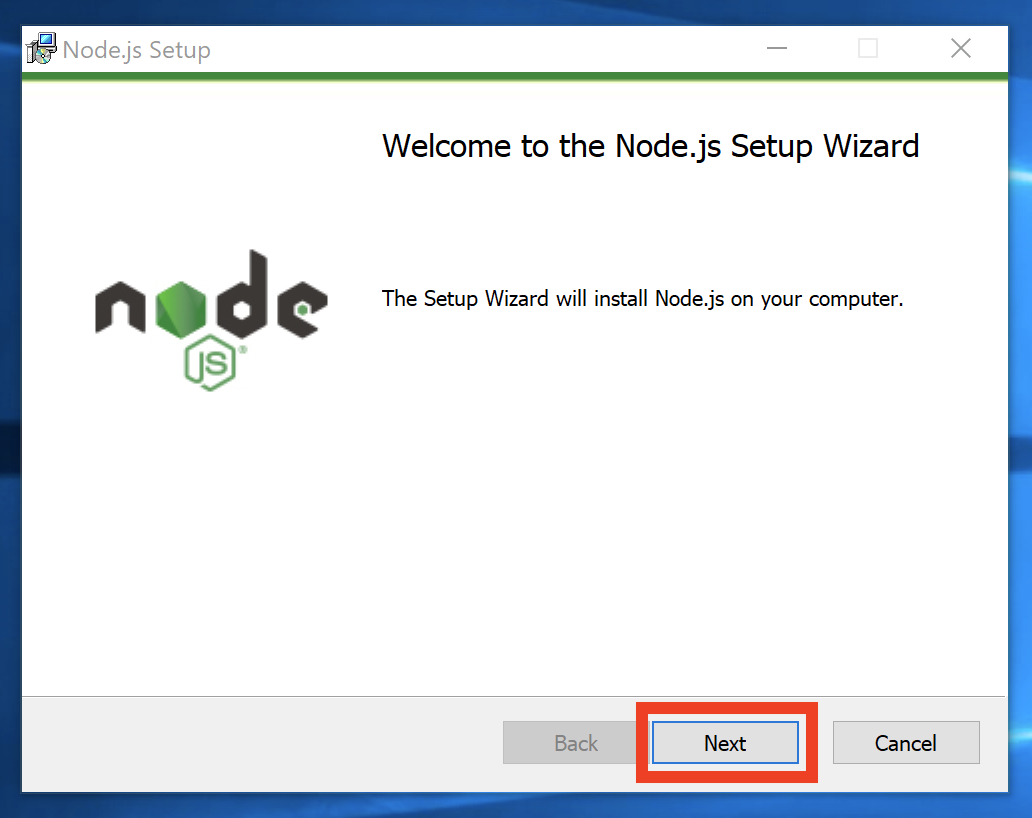
What is Node.js?
Node.js allows you to run JavaScript outside the browser. For React, it helps manage packages and run development servers.
How to Install
- Go to: nodejs.org
- Download the LTS version (recommended)
- Install it like normal software
- After installation, open terminal and run:
node -vIf you see a version number, you’re ready.
Step 2: Create Your First React App (Using Vite)
We will use Vite because it’s modern and faster than create-react-app.
Create the App
Open terminal and run:
npm create vite@latest my-first-react-appIt will ask:
- Select framework → Choose React
- Select variant → Choose JavaScript
Then:
cd my-first-react-app
npm install
npm run dev
You’ll see a local development URL like:
http://localhost:5173
Open it in your browser. Congratulations — your React app is running.
Step 3: Understand the Project Structure
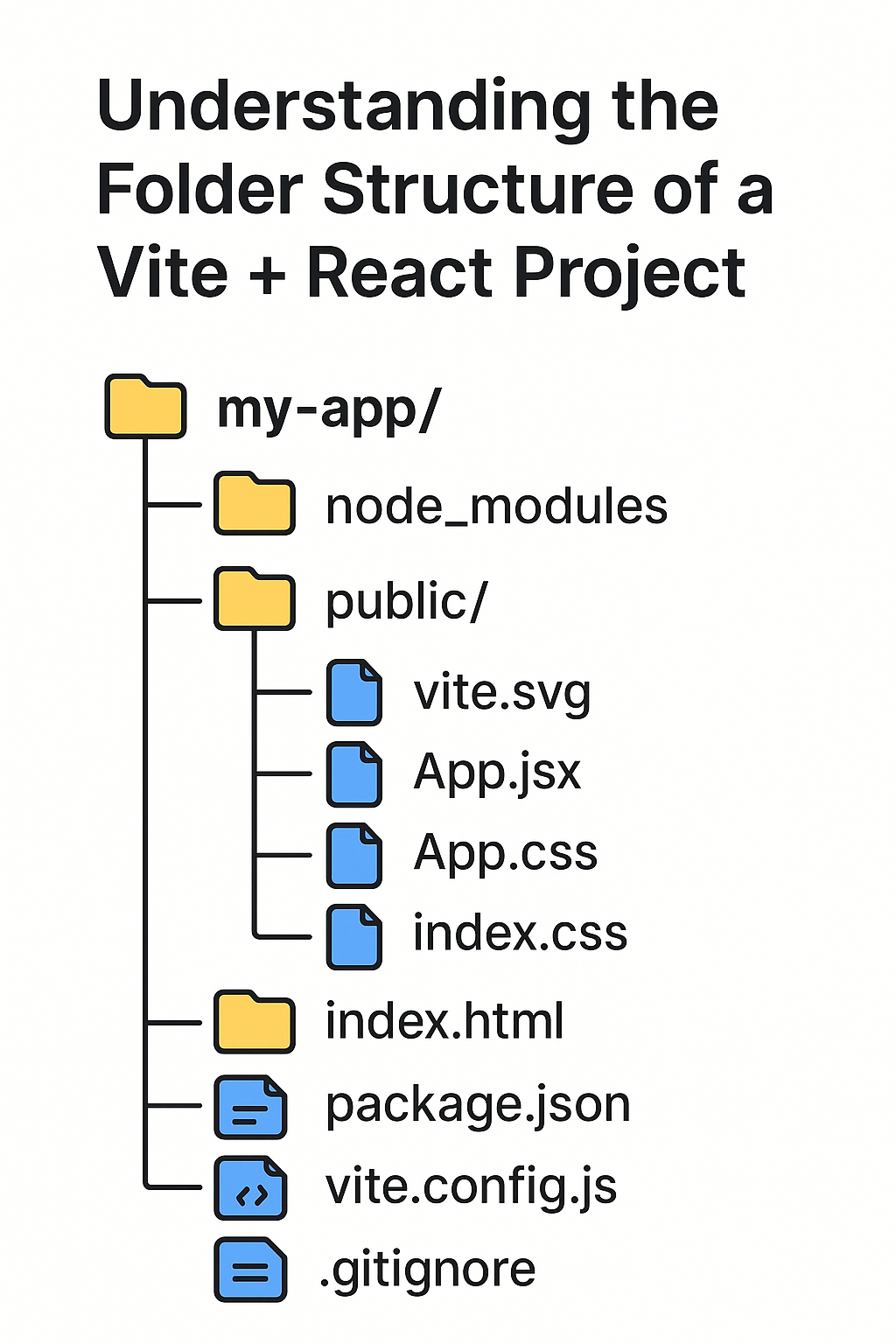

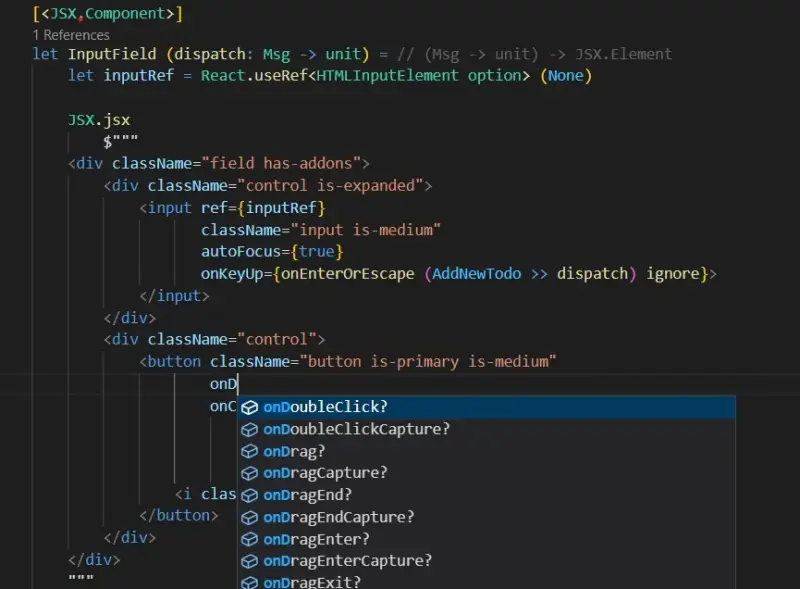
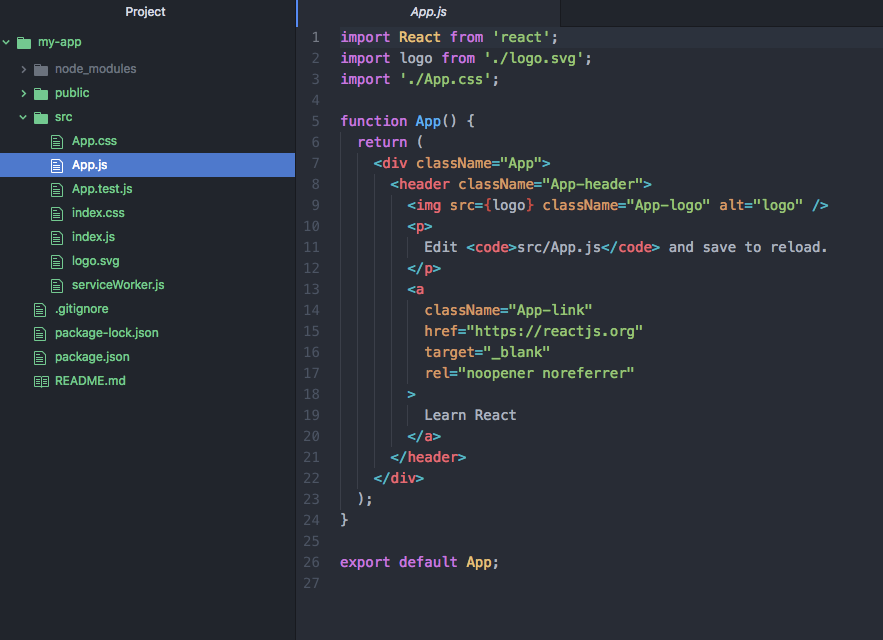
Let’s break down important files:
1. main.jsx
This is the entry point. It connects React to your HTML.
It looks like this:
import React from 'react'
import ReactDOM from 'react-dom/client'
import App from './App.jsx'

ReactDOM.createRoot(document.getElementById('root')).render(
  <App />
)
It renders your App component inside the root div in index.html.
2. App.jsx
This is your main component.
You will write most beginner code here.
3. index.html
This contains:
<div id="root"></div>React injects your app into this div.
Step 4: Write Your First React Component
What is a Component?
A component is a reusable piece of UI.
Example: A simple greeting component.
Open App.jsx and replace everything with:
function App() {
  return (
    <div>
      <h1>Hello, React!</h1>
      <p>This is my first React app.</p>
    </div>
  );
}

export default App;
Save it. Your browser will automatically update.
What is JSX?
JSX looks like HTML but it’s actually JavaScript.
Example:
<h1>Hello</h1>Behind the scenes, React converts it into JavaScript.
Important:
- You must return one parent element
- Use
classNameinstead ofclass - Always close tags
Correct:
<img src="image.png" alt="example" />Wrong:
<img src="image.png">Step 5: Add State (useState Hook)
React becomes powerful when UI changes dynamically.
We use something called state.
What is State?
State is data that can change.
Example: A counter.
Update App.jsx:
import { useState } from "react";

function App() {
  const [count, setCount] = useState(0);

  return (
    <div>
      <h1>Counter App</h1>
      <p>Count: {count}</p>

      <button onClick={() => setCount(count + 1)}>
        Increase
      </button>
    </div>
  );
}

export default App;
Explanation:
const [count, setCount] = useState(0);count= current valuesetCount= function to update value0= initial value
When button is clicked:
setCount(count + 1)React re-renders automatically.
This is the foundation of interactive apps.
Step 6: Styling Your App
Method 1: Basic CSS File
Open App.css and write:
body {
  font-family: Arial, sans-serif;
  text-align: center;
}

button {
  padding: 10px;
  background-color: black;
  color: white;
  border: none;
  cursor: pointer;
}
Import it in App.jsx:
import "./App.css";Method 2: Inline Styling
<h1 style={{ color: "blue", fontSize: "30px" }}>
  Styled Text
</h1>
Notice:
- Double curly braces
{{ }} - CSS properties use camelCase
Example:
background-color→backgroundColor
Common Beginner Mistakes
Let’s be honest. You will make these.
1. Forgetting to Export Component
If you forget:
export default App;Your app will break.
2. Using class Instead of className
Wrong:
<div class="box"></div>Correct:
<div className="box"></div>3. Not Understanding JSX Rules
You cannot write:
<h1>Hello</h1>
<p>World</p>
Without wrapping them.
Correct:
<div>
  <h1>Hello</h1>
  <p>World</p>
</div>
Or use <> </> (React Fragment).
What to Learn Next
Now you understand the basics.
Next, learn:
- Props (passing data between components)
- Event handling
- Conditional rendering
- Lists and keys
- React Router
- API fetching
- Component folder structure
Don’t jump into advanced topics immediately. Build small projects first.
Build Small Projects
Start with:
- Counter app
- To-do list
- Simple calculator
- Weather app (with API)
- Basic portfolio site
Small projects build real understanding.
Final Advice
React is not hard. But skipping JavaScript basics makes it hard.
Don’t memorize — understand.
Don’t watch 50 tutorials — build 5 small apps.
Don’t rush to advanced frameworks — master fundamentals first.
You just built your first React app.
Now build another one.
Series: React Mastery
Part 1 of 3View all parts
Related Posts

Building Modern UIs with React and Tailwind CSS
Practical tips and patterns for building beautiful, responsive user interfaces using React components styled with Tailwind CSS utility classes.

My Journey Into Web Development
From writing my first HTML page in college to building full-stack applications — here's how my web development journey unfolded over the years.

Why Small Businesses in Nepal Are Easy Targets for Cyber Attacks (And How to Fix It)
As Nepal's digital economy surges with eSewa, Fonepay, and social media commerce, small businesses are increasingly falling victim to cyber attacks. Here's why it happens and how you can stop it.